Comprehensive PDF Editing on Android
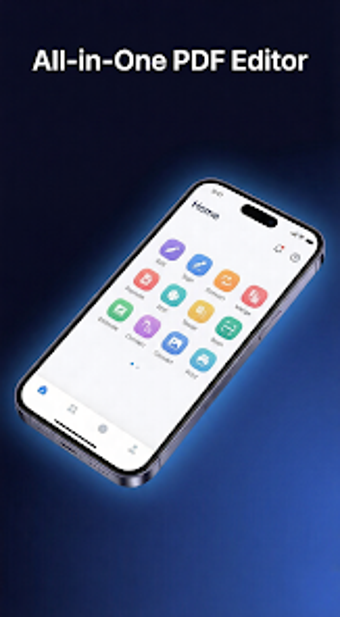
Sejda Pro Editor offers a robust suite of tools for managing PDF documents directly on Android devices. This free application allows users to edit text, annotate, and convert files with ease. Key features include the ability to add and edit text, highlight passages, and even scan documents using the camera. The interface is designed to be user-friendly, with no watermarks or complicated menus, making it accessible for everyone from students to professionals.
In addition to editing capabilities, Sejda Pro Editor supports document scanning and converting PDFs to Word documents while preserving formatting. The app is optimized for performance, working offline and focusing on user privacy by processing files locally. With regular updates and a modern design, this tool is ideal for anyone needing efficient PDF management on the go.
.png)